WHAT'S NEW · RVD.AI

RVD.AI Classroom, renewed.

Discover a renewed experience for creating, supporting and observing every thinking process in one place.

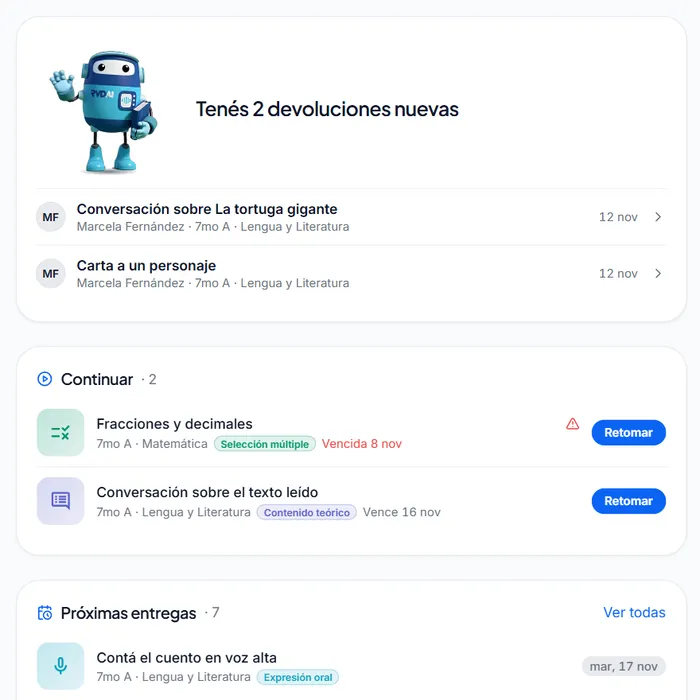
The student's home with You have 2 new pieces of feedback at the top and the tasks to continue below

Latest updateRVD.AI

Your student signs in and the first thing they read is your feedback.

With version 3.9, the teacher's feedback heads the student's home, explains each objective in the school's own words and, when attempts are left, gives them your suggestion for the next one. For teachers, Berni proposes and drafts so grading takes less time, the home says what to do first, and a whole module is built from one request.

  • Feedback
  • Student tasks
  • Grading
  • Teacher home
  • Modules
  • In class
  • Activities
  • School leadership
  • Classrooms and tasks
See the update

HISTORY

Every version, with the details of what changed.

The improvements that kept expanding what teachers can do and how students are supported, from the most recent to the first one published.

  1. v3.3.1RVD.AI
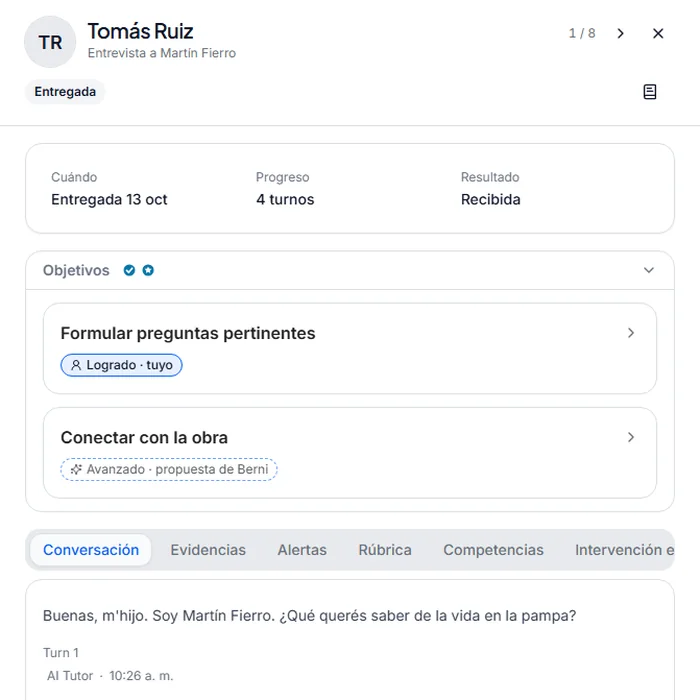
    Review of an interview with two objectives: one with the teacher's level and one with Berni's proposal

    Berni proposes, you review, and your student reads what you told them.

    With version 3.3, what the AI reads in a piece of work reaches the student only when you publish it. You close each review with a comment and a step for next time, and your student finds both together in My feedback. Their progress reads in words. And the school can appoint coordinators who support its teachers from a read-only space.

    • Grading
    • Feedback
    • My progress
    • Student home
    • Coordination
    • Competencies
    • Activities
    • Classrooms and tasks
    See the changes →
  2. v2.29.0RVD.AI
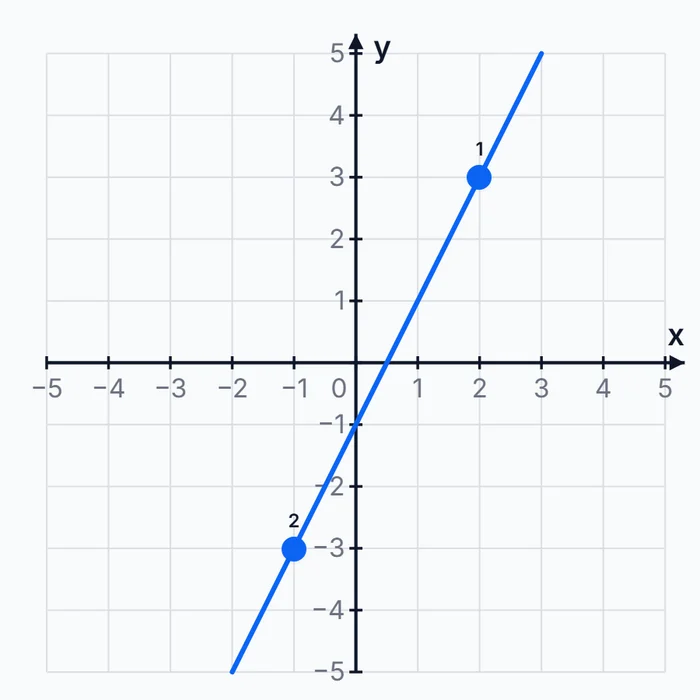
    Coordinate plane with the line y = 2x − 1 drawn through two points a student marked

    Math in RVD.AI: your students solve, Berni asks and you decide.

    Your students answer with numbers, expressions and marks on the number line or the plane. With immediate feedback on, a student who gets it wrong reads which line of reasoning failed. A student who asks for the result gets a question back from Berni. And every answer key passes through your hands before it reaches the class.

    • Quizzes
    • Number line and plane
    • Feedback
    • Berni
    • AI creation
    • Tracking
    • Report
    • Classrooms and assignments
    See the changes →
  3. v2.27.0RVD.AI
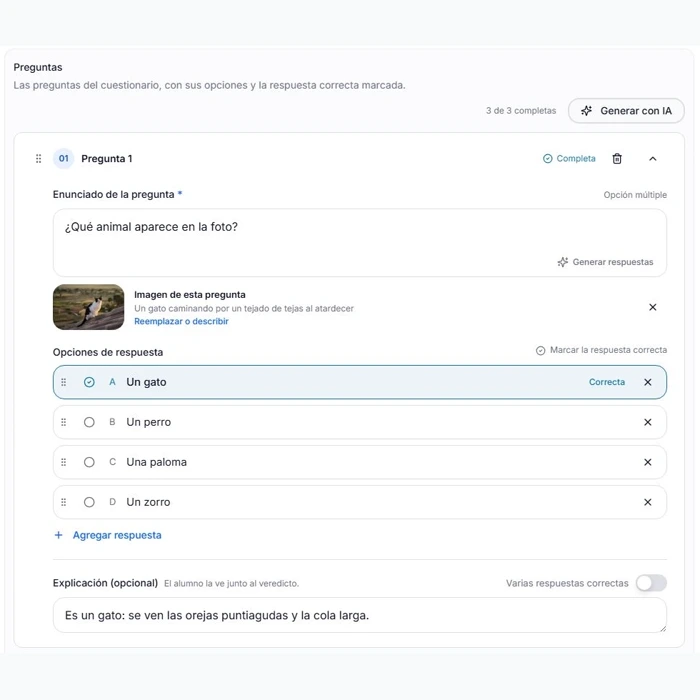
    A quiz question with its image and the correct answer marked in the editor

    Quizzes with images and an easier review.

    Add an image to each question, reorder the quiz by dragging, and go through the work in your earlier classrooms without losing the context.

    • Quizzes
    • Classroom archive
    • Your account
    See the changes →
  4. v2.25.0RVD.AI
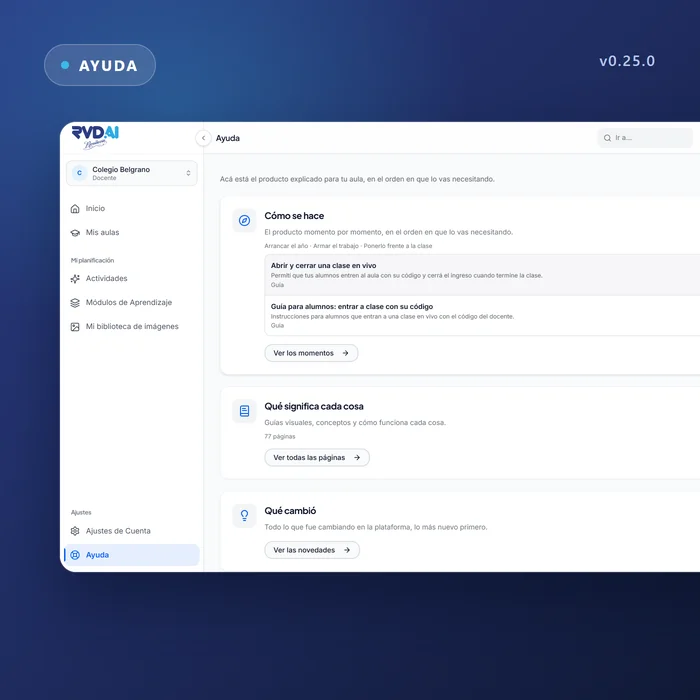
    The teacher's help screen in RVD.AI, with its three doors

    Help for each role, and Berni at the door.

    Illustrated guides for each role with all the documentation inside the platform, Berni greeting you at sign-in, and a new version of the terms and the privacy policy.

    • Help
    • Sign-in
    • Legal
    • Free plan
    • Teachers
    • On the phone
    See the changes →
  5. v2.21.0RVD.AI
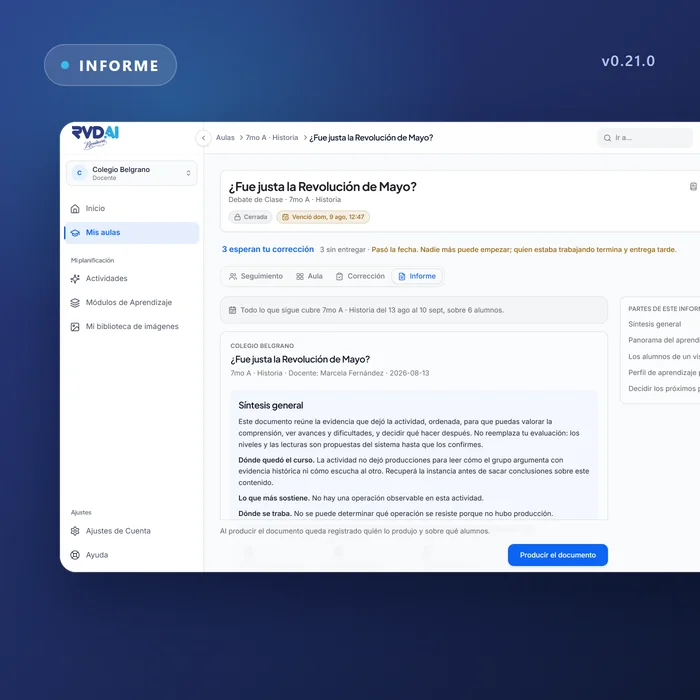
    An assignment report in RVD.AI, with its overall summary and the parts of the document

    The class report, objective by objective.

    A report per activity that reads as prose written for the teacher, a dashboard with four views you can share by link, and a single due date.

    • Report
    • Review dashboard
    • Assignments
    • Invitations
    • School classrooms
    • Fill in the blanks
    • My classrooms
    See the changes →
  6. v2.18.0RVD.AI
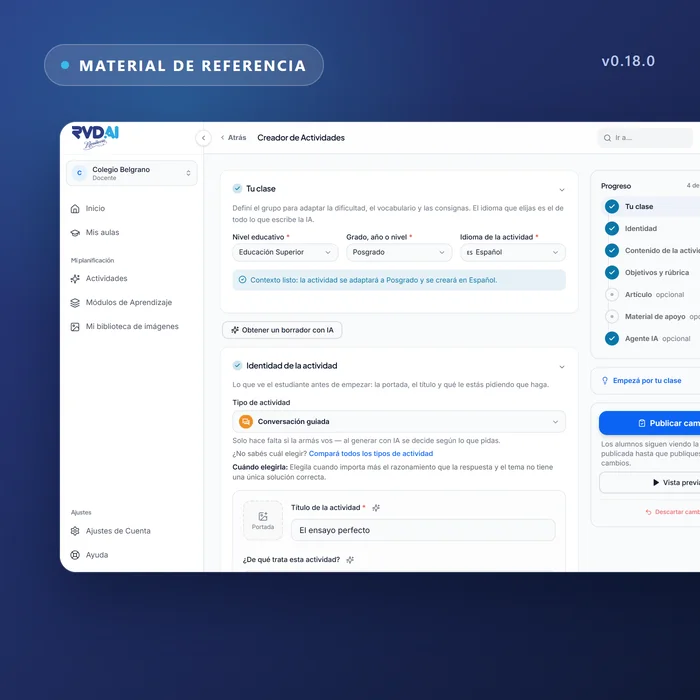
    An activity's definition in RVD.AI, with its objectives, its rubric and its material

    The AI reads your material.

    The rubric, the objectives and the evaluator draw on what you uploaded, PDF and Word files reach the model whole, and accounts created with Google can set a password.

    • Reference material
    • Account settings
    • Modules
    • Review dashboard
    See the changes →
  7. v2.15.0RVD.AI
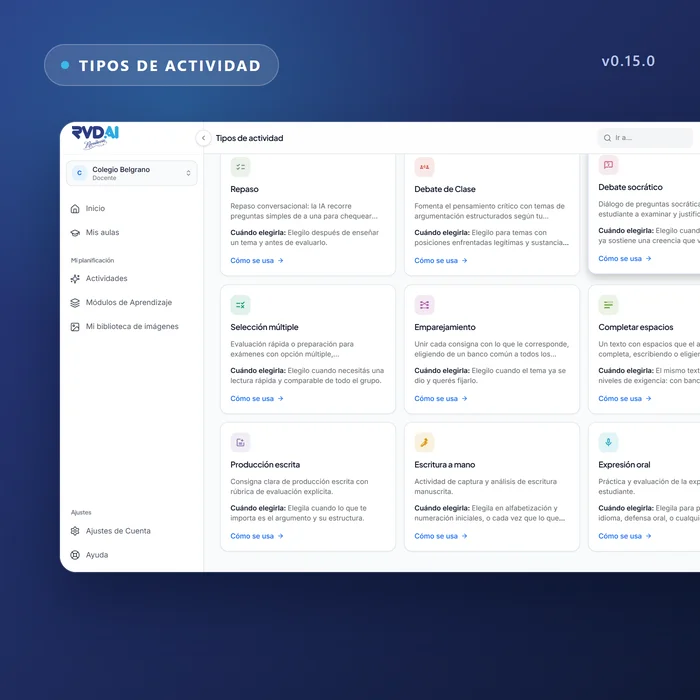
    The Matching and Fill in the blanks activity types in the RVD.AI catalog

    Match, fill in and grade by objective.

    Two new activity types, grading that goes through the class objective by objective, your AI week in view, and a free trial for independent teachers.

    • Activity types
    • Grading
    • AI usage
    • Sign-in
    • My classrooms
    • Account settings
    See the changes →
  8. v2.11.0RVD.AI
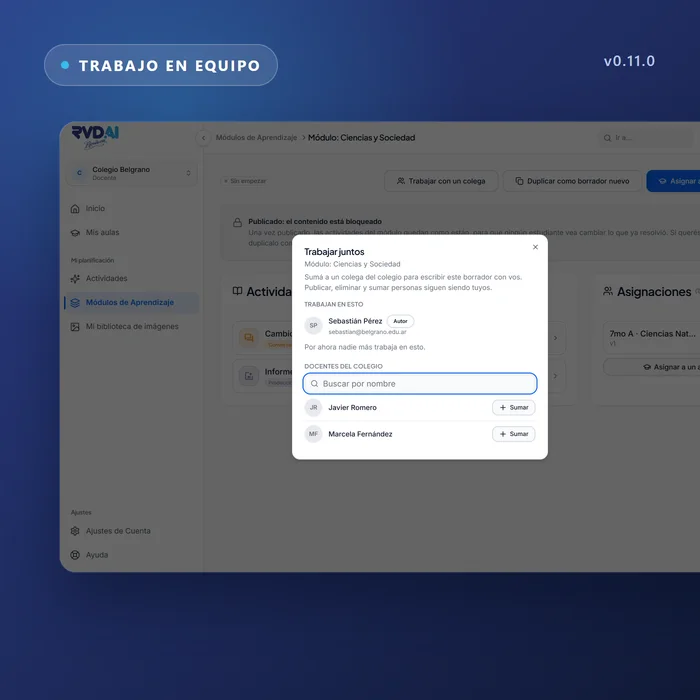
    The dialog for inviting a colleague to work on a module in RVD.AI

    Create as a team and bring your history.

    Two teachers in the same draft, the previous platform's archive one click away, a creator that asks one thing at a time, and an academic year the school declares.

    • Modules
    • School library
    • Archive
    • Activity creator
    • Integrations
    • Roster
    • Activity types
    • Participation
    • Help
    See the changes →
  9. v2.6.0RVD.AI
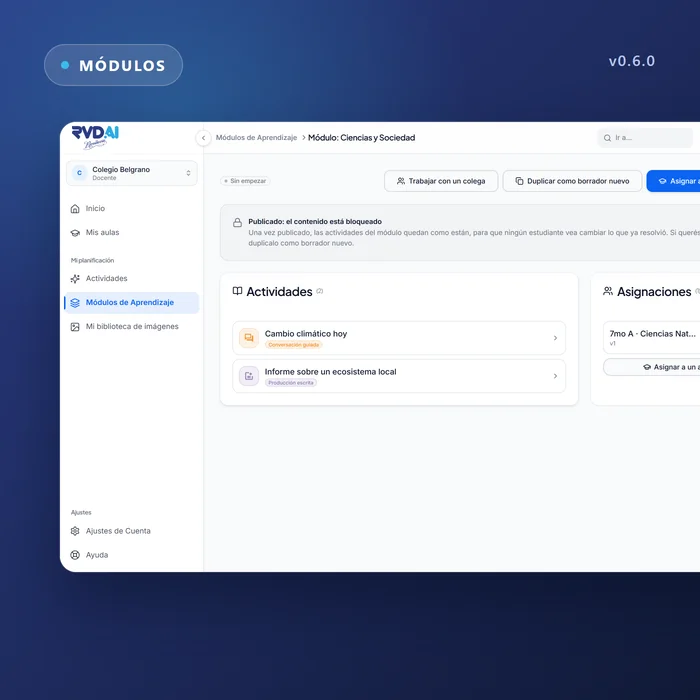
    A published module in RVD.AI, with its content locked and the actions to duplicate it

    Modules that get published, content that travels.

    A published module is frozen and gets duplicated to change it, content from the previous platform arrives with its images, and the activity's language governs everything the AI writes.

    • Modules
    • Roster
    • Activity creator
    • Accessibility
    • Legal
    See the changes →
  10. v2.3.0RVD.AI
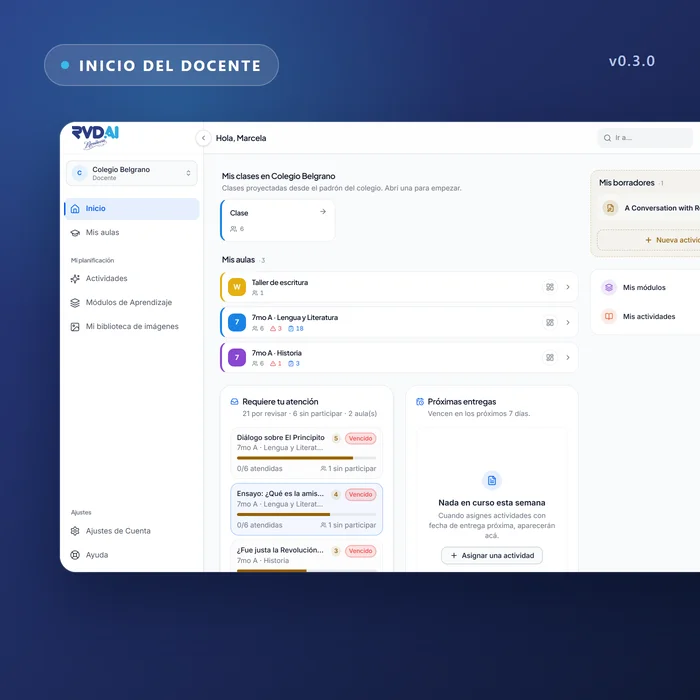
    The teacher's home in RVD.AI, with their classrooms and what needs attention

    The new platform reaches its first schools.

    RVD.AI opens in early access: classrooms connected to the school's roster, activities created with AI, and a teacher who decides what each student sees.

    • Home
    • My classrooms
    • Activities
    • Reference material
    • Students
    • Dashboard
    • Sign-in
    See the changes →
  11. Mobile app
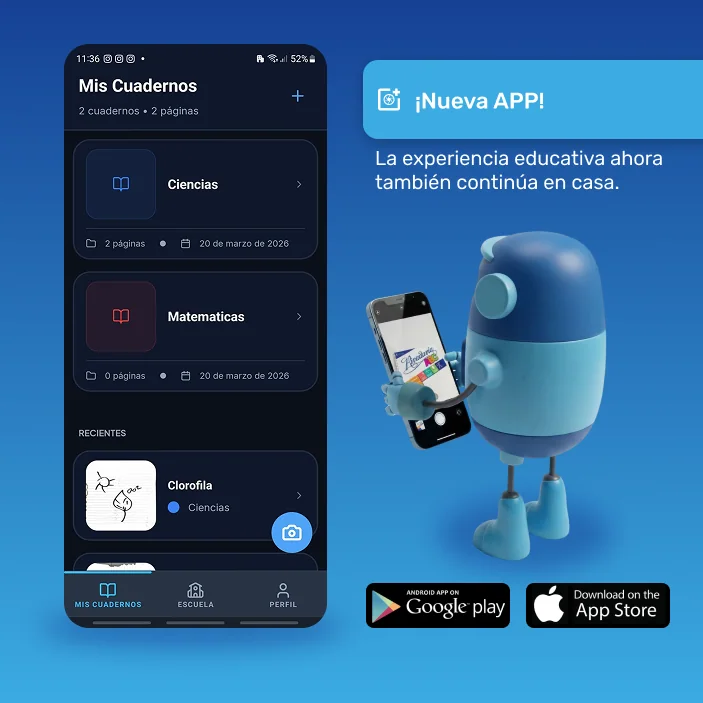
    Launch of the RVD.AI mobile app

    Learning now carries on at home.

    Students digitize their Rivadavia sheet, save it in a digital notebook and continue the activity with Berni. An extension of the classroom that brings together paper, AI and the teacher's follow-up.

    • Mobile app
    • Student journey
    • Teaching framework
    See the changes →
  12. v0.7.3Previous platform
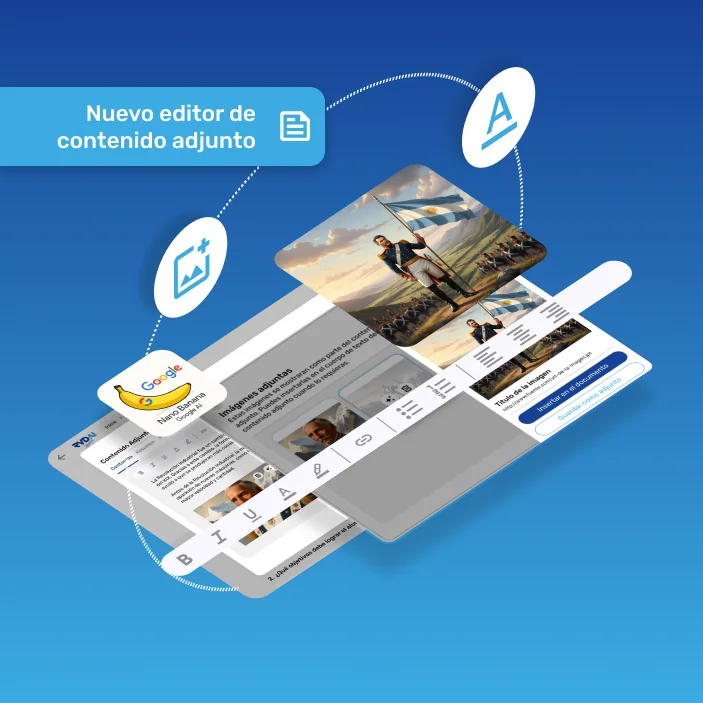
    The rich content editor in RVD.AI

    More visual, more editable, better connected.

    Rich text editing and realistic attached images, for content that is more visual and more complete.

    • Attached documents
    • Image generation
    • Activity module
    See the changes →
  13. v0.5.7Previous platform
    Multilingual support in RVD.AI

    Bonjour, Olá: now in French and Portuguese too.

    The teaching intelligence of RVD.AI crosses borders and starts speaking new languages.

    • Language support
    See the changes →
  14. v0.5.4Previous platform
    New activities and teacher dashboard alerts in RVD.AI

    More activities. More signals. More teaching intelligence.

    New activities for a richer class, and smart alerts on the dashboard so you can act when it matters most.

    • Learning modules
    • Dashboard
    See the changes →
  15. v0.4.4Previous platform
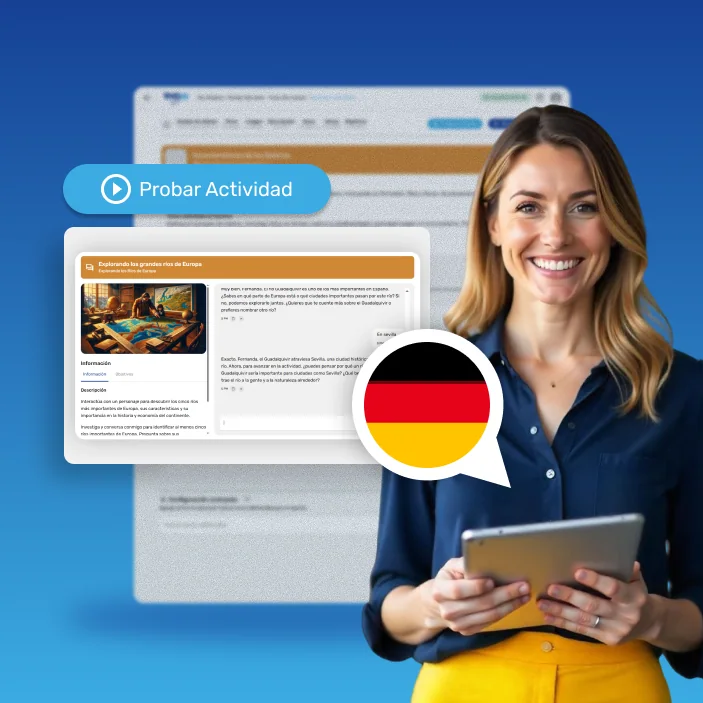
    German support and oral assessment in RVD.AI

    More languages, more possibilities, a better experience.

    More tools to plan with confidence and teach across borders.

    • My learning modules
    • Overall experience
    See the changes →
  16. v0.3.8Previous platform
    Direct access to the classroom from the RVD.AI dashboard

    Your classroom, one click away.

    Get in faster and run your classroom more smoothly.

    • Dashboard
    • My classrooms
    See the changes →
  17. v0.2.1Previous platform
    Per-student tracking on the RVD.AI dashboard

    More clarity, more control, more impact.

    A refreshed experience so the teacher can guide, supervise and act in real time.

    • My classrooms
    • Learning modules
    • Dashboard
    See the changes →

FREE THROUGHOUT 2026

Get to know RVD.AI

The whole 2026 school year (March to December) at no cost, with support to get started.