RVD.AI CLASSROOM

Where an activity turns into visible thinking.

Keep your class's whole process in one place. Create activities, take them to the classroom, grade them, and understand what happened so you can decide the next step.
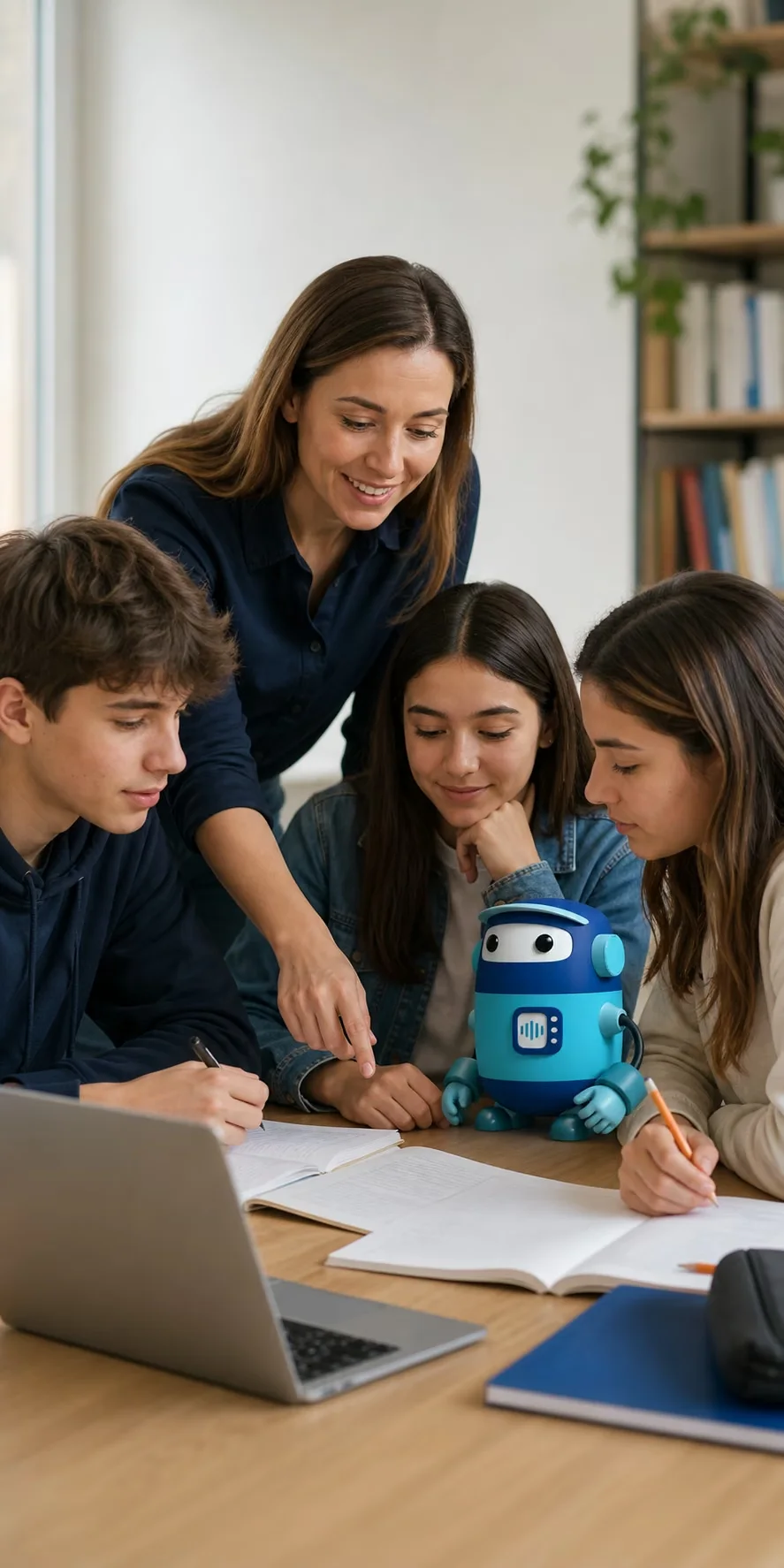
A teacher supports three students working with Berni around a table

PREPARE AN ACTIVITY

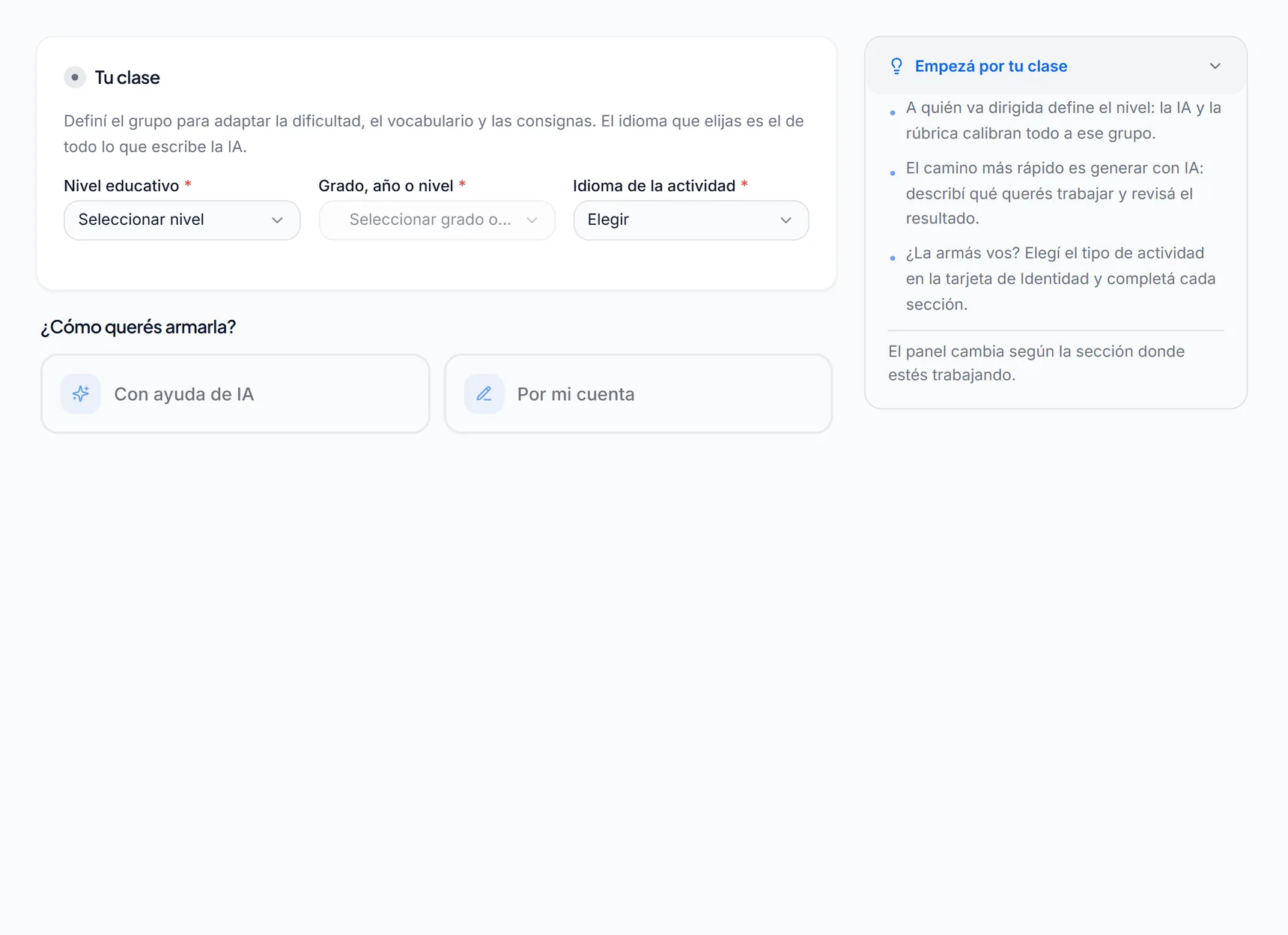
Start from your objective and get an activity ready for class.

  • Choose one of the twelve activity types. You can create it with AI from your objective or build it by hand, section by section.
  • Add PDFs, Word documents, or images and choose whether your students see them or only the AI uses them.
  • Tell Berni how to support students: what to ask, which hints to offer, and within which limits.
  • Group it into a module or reuse activities published by colleagues at your school.
  • Preview it as a student would see it before publishing. You can also save drafts and edit them with another teacher.

TAKE THE ACTIVITY TO CLASS

Choose how and when your students will work on it.

  • Assign it to a classroom and set the start date, due date, attempts, and time limit. Late submissions are flagged.
  • If they'll work on it live, project a code: each student joins with their name, without creating an account.
  • During class, see who is connected and nudge anyone who hasn't moved forward in a while.
  • If the connection drops, each student picks up the same attempt when they come back.
  • Share the classroom with other teachers and organize each group of students.
A seventh-grade classroom with three assigned activities, the live class code, and its tabs
Choose how and when your students will work on it.Swipe to move around the screen and pinch to zoom in.

REVIEW AND DECIDE

See what happened in each activity and choose how to continue.

  • Open the assignment dashboard to see Tracking, Classroom, Correction, and Report.
  • Review the AI's suggestion for each criterion. You can confirm it or change it: your grade is the one that counts.
  • Read in the report what was achieved on each objective. Its scope depends on the activity type and the school level.
  • Spot situations that need attention with safety and behavior alerts, or create rules for your classroom.
  • Prioritize the students who need support based on their recent history.
The Correction view of an assignment, with the submissions to grade and who has yet to turn in work
See what happened in each activity and choose how to continue.Swipe to move around the screen and pinch to zoom in.

FOR SCHOOL LEADERSHIP TEAMS

Your school has its own place in RVD.AI Classroom too.

Manage the roster and the year pass, connect Google Classroom, split the AI allowance among teachers, and set your school's charter. The previous platform's archive is still there whenever you need it.

Learn about RVD.AI Classroom for schools →

A man holding a tablet in a school office

TWELVE ACTIVITY TYPES

An activity for every way of thinking through a topic.

Inside RVD.AI Classroom, each type explains what it is for and when to choose it. Activities are created and completed in Spanish or English.

Talk

  • Guided conversationA dialogue with Berni toward the activity's objectives.
  • Character conversationBerni plays a historical or fictional character.
  • Theoretical contentThe student reads your text and works through it in dialogue.
  • Class debateThe student defends a position against opposing arguments.
  • Socratic debateOnly questions, to examine and justify an idea.
  • ReviewShort questions, one at a time, one per objective.

Create

  • Written productionA long text, assessed with the rubric.
  • HandwritingA photo of the page; you get the image and its transcription.
  • SpokenA recorded answer, with its transcription and assessment.

Answer

  • Multiple choiceQuestions with options, which can include images.
  • MatchingMatch each prompt with its answer.
  • Fill in the blanksA text with gaps, typed in or chosen from a word bank.

ACCESSIBILITY

Each student adjusts how they read and the pace they work at.

Preferences are saved to each person's account and apply to all their activities.

Comfortable reading

Font size, the Lexend and OpenDyslexic typefaces, line spacing, and letter spacing.

Contrast and motion

High contrast and reduced motion to help sustain attention.

At their own pace

Interaction can run at a normal pace, a relaxed pace, or step by step.

Read aloud

Each student can listen to Berni's messages, at the speed and in the voice they choose.

Texts in two versions

An activity's reading text comes with a synthesis and an easy-reading version.

Six interface languages

Spanish, English, Portuguese, French, Italian, and German.

ON YOUR PHONE TOO

The mobile app supports each student when they study.

It digitizes paper pages into a notebook for each subject and opens study sessions with Berni on what was written. Classroom assignments are done in RVD.AI Classroom.

See the mobile app →
RVD.AIBuilt for schools and teachers: creating, teaching, and following up.Go to RVD.AI Classroom →
Mobile appBuilt for students: paper, camera, and continuity.

FREE THROUGHOUT 2026

Start with a purpose. RVD.AI connects the path.

The whole 2026 school year (March to December) at no cost, with support to get started.