WITH YOUR SCHOOL
If your school already uses RVD.AI
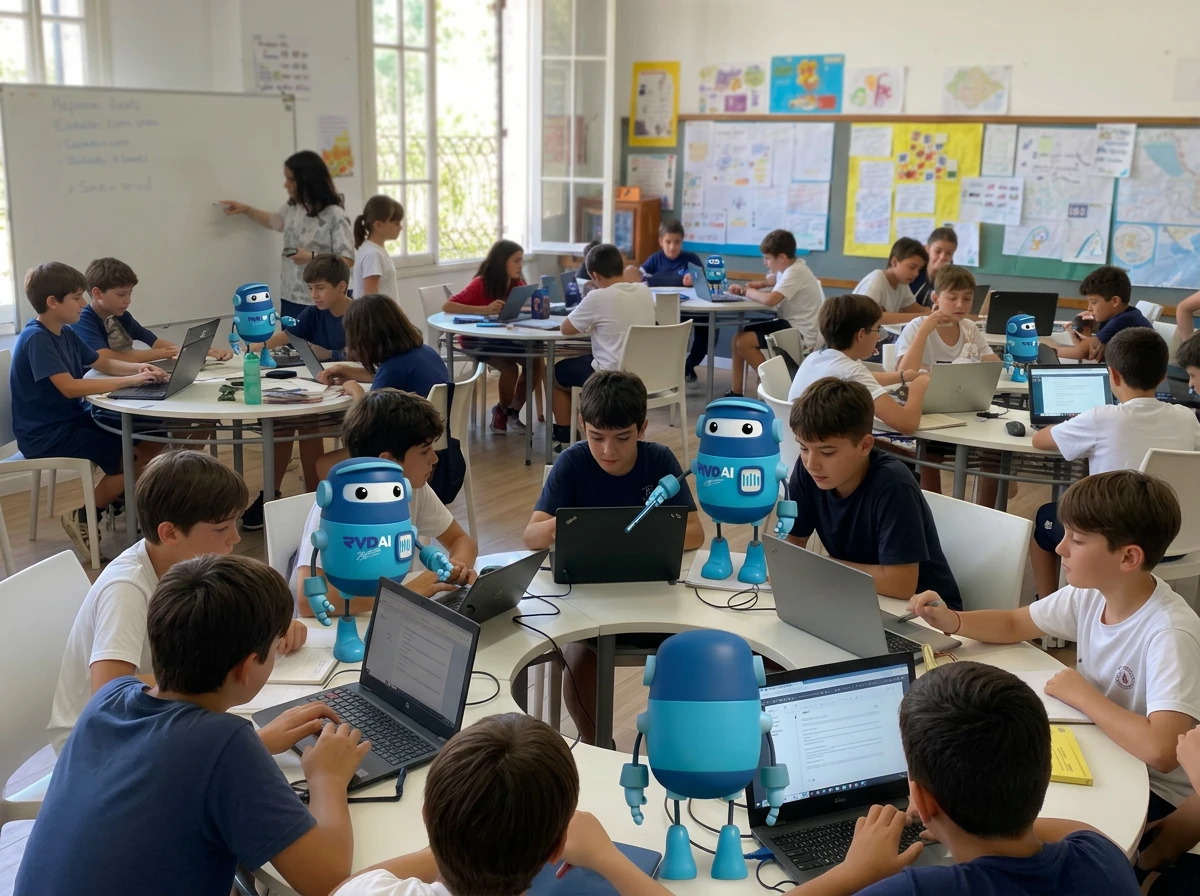
The leadership team invites you and you join your school's space, with its classes, its charter, and the share of Berni it gives you.
See the tutorials for teachers →FOR TEACHERS
You create the activity with AI, with your objectives and your instructions. Berni supports each student within that assignment, suggests a grade, and tells you where to look.
HOW TO START
WITH YOUR SCHOOL
The leadership team invites you and you join your school's space, with its classes, its charter, and the share of Berni it gives you.
See the tutorials for teachers →ON YOUR OWN
You create your account and start in your own space, on a trial. If your school joins later, you keep your space and choose which one to work in.
Create my teacher accountYOUR THINKING CLASSROOM
Four moments: you open with the purpose and close with the group; in between, each student thinks with Berni and with their notebook.
Teacher
You set what you want your students to achieve. Berni connects it to real life and suggests activities so they analyze, think, and form their own judgment.
Example You start from "the water cycle" and Berni suggests "How much water does your family use in a day?"
Student and Berni
Berni asks, asks again, and asks for reasons within your objectives, without giving the answer.
Example "Why do you think your home uses more water at the weekend? What data would show it?"
Student
Each student writes down in their notebook, with pencil and paper, how their conversation with Berni went.
Example What Berni asked about the water at home and what they answered, in their own words.
Group and teacher
The group shares what each student thought, with you in charge, and that is where communication and collaboration are worked on. Then you close with the report: what was achieved in each objective.
Example On the projector, each student's progress by objective, without showing anyone's words.
RVD.AI Classroom supports the purpose, the work with Berni, and the close; the notebook and the learning circle happen in the classroom.
YOU'RE IN CONTROL
The tool extends how far your support reaches, and your judgment guides the whole process.
YOUR CO-TEACHER
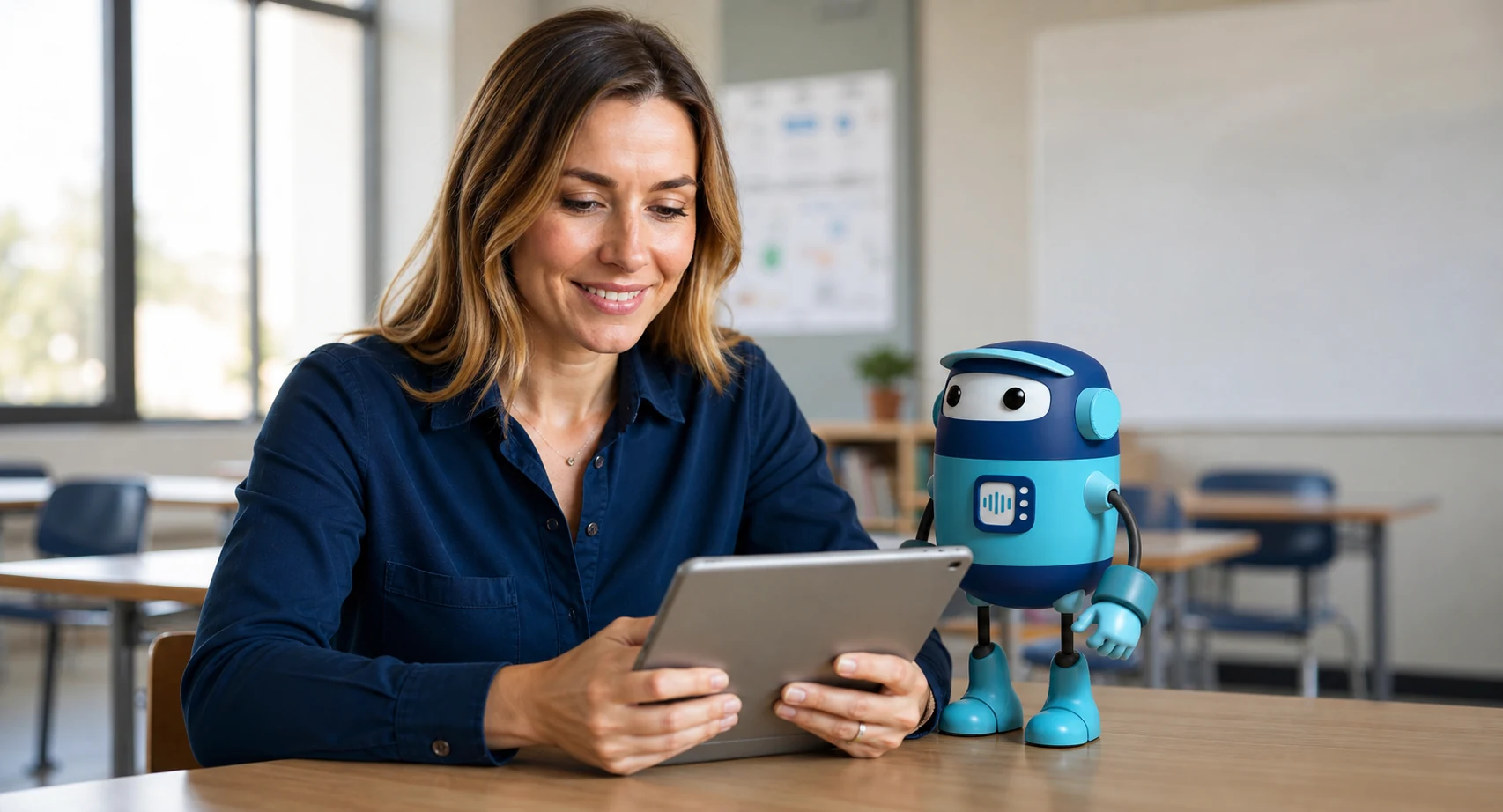
Berni sits beside each of your students at the same time. You set the topic, how Berni talks with them and the objectives to reach; Berni guides with questions and hints, while you follow progress and decide when to step in.
RVD.AI Classroom is based on the EduMAIA method.
Learn about the EduMAIA method ↗WHAT YOU SEE
Tracking, Correction, and Report in one place, plus alerts when a student needs your attention.
Who turned it in, who's still working, and who hasn't started yet, with one reminder for everyone.
The AI suggests a level and a reason for each criterion; you confirm it or change it.
How the assignment went and what was achieved on each objective, depending on the activity type.
A notice in the moment, when a student's conversation shows they need your attention, with rules you can write for your classroom.
FREE THROUGHOUT 2026
Create your teacher account directly in RVD.AI Classroom. If you represent a school, request a guided implementation.